How to Follow Up with Leads Automatically as a Contractor (Without Dropping the Ball on the Job Site)
Posted in :

I talk to contractors around Marysville and Snohomish County all the time who are genuinely good at their trade. Roofing, plumbing, HVAC, remodeling. They do great work. But they’re losing jobs before they ever get a chance to bid them, and the reason is almost always the same: slow follow-up.
If you want to know how to follow up with leads automatically as a contractor, this post walks through exactly how it works, what the numbers say, and how to actually set it up so you’re not losing jobs to the guy who answered his phone first.
Why Contractors Lose Leads Before the Job Even Starts
Here’s what usually happens. A homeowner fills out your contact form or calls while you’re on a roof or under a sink. You see it two hours later. You call back. No answer. You try once more the next morning. Nothing. You move on.
That lead went to someone else. Probably within the first 30 minutes.
Research shows that 30 to 50 percent of leads are lost to slow follow-up. And over 30 percent of leads are never contacted at all. That’s not laziness. That’s just the reality of running a crew and being on the tools all day.
The 5-Minute Response Window Most Contractors Miss
There’s a stat from Harvard Business Review and MIT that I keep coming back to. Responding to a new lead within 5 minutes makes you 100 times more likely to make contact and 21 times more likely to qualify that lead compared to waiting just 30 minutes.
A 2026 benchmark study across 573 businesses found that 74 percent of companies miss that 5-minute window entirely. The average response time across the industry is over 42 hours.
In a market like Snohomish County, where Angi, HomeAdvisor, and Yelp are sending the same lead to three or four contractors at once, whoever responds first wins. That’s it. Speed-to-lead is the game.
What Automated Lead Follow-Up Actually Means for Contractors
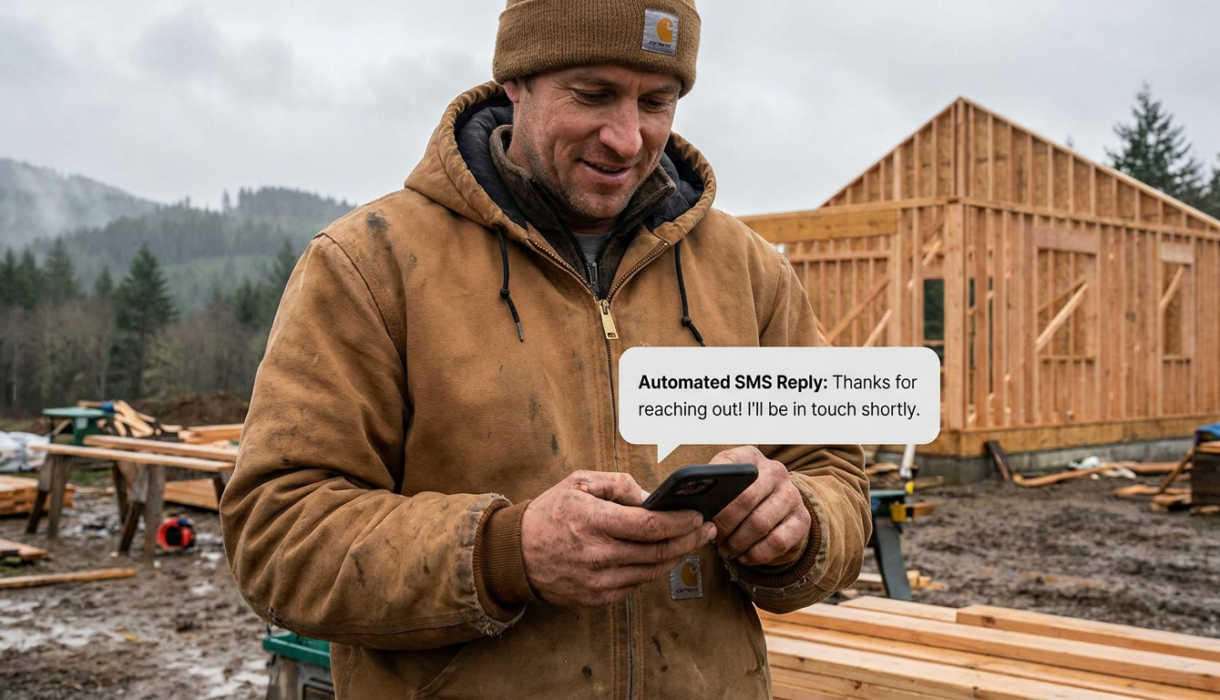
Automated follow-up means software sends the first message for you the second a lead comes in. You don’t have to touch your phone. The system fires a text or email instantly, so the homeowner hears from you while they’re still on your website or still thinking about their problem.
It’s not about replacing the conversation. It’s about making sure you’re in the conversation before your competitor even knows the lead exists.
CRM vs. Marketing Automation: What’s the Difference?
A CRM (customer relationship management tool) tracks your leads, stores contact info, and shows you where each prospect is in your pipeline. Marketing automation is what actually sends the messages and moves leads through that pipeline based on their behavior.
Most contractors need both working together. A CRM without automation means you’re still manually following up. Automation without a CRM means you have no idea who’s in your pipeline or what stage they’re at.
The cleanest setup is one platform that does both. I’ll get to that in a minute.
How to Set Up an Automated Follow-Up System Step by Step
Here’s the practical version. This is what a working automated follow-up system looks like for a contractor.
Step 1: Trigger an Instant SMS or Email the Moment a Lead Comes In
The second someone submits a contact form or requests a quote on your site, your system should fire an automatic SMS and email. Something simple: “Hey, this is [Your Name] from [Company]. Got your request. We’ll be in touch shortly. What’s the best time to reach you?”
SMS gets about a 54 percent response rate compared to 7 percent for email. Text first. Always. But send both.
Step 2: Send a Missed-Call Text Back Automatically
This one is huge and almost nobody does it. When someone calls and you can’t answer, the system automatically texts them back within seconds: “Sorry we missed you. What can we help you with today?”
That missed-call text back keeps the conversation alive instead of sending the person straight to your competitor’s voicemail. It’s one of the highest-ROI automations a contractor can run.
Step 3: Build a Multi-Touch Follow-Up Sequence
One message is not enough. Research shows 80 percent of sales happen between the 5th and 12th contact. But 90 percent of contractors quit after one or two attempts.
A basic lead nurturing sequence might look like this: instant text and email, a follow-up call attempt at 24 hours, another text at 48 hours, an email at day 4, and a final check-in at day 7. That’s a drip campaign. You set it up once and it runs on its own.
Multi-channel follow-up matters too. Companies using immediate automated acknowledgment combined with persistent email nurture see 45 percent higher conversion rates than single-channel responders.
Step 4: Automate Appointment Reminders to Cut No-Shows
Once someone books an estimate, your system should automatically send a reminder 24 hours before and again 2 hours before. This one step alone cuts no-shows significantly. You’re not chasing people down the morning of. The system handles it.
Step 5: Move Unresponsive Leads to a Long-Term Nurture List
If someone goes 14 days without responding, don’t delete them. Move them to a monthly check-in list. Send a low-pressure email once a month. Something like “Still thinking about that roof? We’re booking into next month. Let us know if you want a spot.”
63 percent of leads who aren’t ready to buy initially do eventually convert when they go through a proper nurturing process. Nurtured leads also make 47 percent larger purchases. That long-term list is money sitting on the table.
SMS vs. Email vs. Phone: Which Channel Works Best for Contractors?
Short answer: use all three, but lead with SMS.
Text messages get read. Open rates for SMS are dramatically higher than email. Velocify found that text replies within 5 minutes had 8 times higher engagement than email replies in the same timeframe. For a busy homeowner who’s also at work, a text is just easier to respond to.
Email is still worth sending because some people prefer it, and it gives you more room to explain your process, show photos, or link to reviews. Phone calls matter for high-intent leads who are ready to schedule.
The winning formula is trigger-based messaging: text first, email second, call third. Repeat with variation across a week or two.
How Many Times Should You Follow Up Before Moving On?
Most contractors follow up once or twice and call it dead. That’s too early.
A reasonable sequence for a home service lead is 5 to 8 touchpoints over 10 to 14 days. After that, move them to the long-term nurture list instead of deleting them. You’re not spamming anyone. You’re staying visible until the timing is right for them.
Automated reminders handle this without you having to think about it. The system just keeps working while you’re on the job site.
Choosing the Right Automation Tool as a Contractor
There are a lot of options out there. Some are entry-level platforms starting around $29.99 a month. Others, like ServiceTitan, are built for larger operations and can run $1,500 to $2,100 a month. Some contractors report paying that much and only using 40 to 60 percent of what the platform offers.
For most contractors with a small crew, enterprise software is overkill. You end up paying for features you’ll never touch.
What to Look for If You’re Not Tech-Savvy
Look for something with simple setup that doesn’t require IT support. It should work on your phone because you’re not sitting at a desk. It should handle automated follow-up, pipeline management, and appointment scheduling in one place. And it should not require you to duct-tape five different tools together.
That last point matters more than people realize. A fragmented stack means things fall through the cracks. A lead comes in through one tool, the CRM is somewhere else, the email is in a third platform, and the SMS is in a fourth. Nothing talks to each other cleanly. You end up doing manual work anyway.
The system I build for contractors runs everything on one platform: AI receptionist, lead capture, missed-call text back, SMS and email follow-up sequences, appointment reminders, and pipeline management. It’s set up for you and managed for you. You don’t have to figure it out. You can learn more about how that works here.
What a Realistic Lead-to-Job Conversion Rate Looks Like
The average lead-to-job conversion rate for contractors is 20 to 30 percent. Top-tier contractors who follow up fast and consistently hit 40 percent or higher.
Think about what that means in real numbers. If you’re getting 20 leads a month and converting 5 of them, getting to 8 or 9 conversions with better follow-up is a significant jump in revenue without spending a dollar more on advertising.
Speed-to-lead and automated follow-up are the levers that move that number. Not more ads. Not a fancier website. Just faster, more consistent contact with the people who are already raising their hand.
If you’re also thinking about how your business shows up online before a lead even contacts you, it’s worth reading about Google Business Profile optimization for contractors. Getting found and following up fast work together.
Frequently Asked Questions
How fast do I need to respond to a new lead?
Within 5 minutes if possible. The data is clear: after 5 minutes, your odds of making contact drop sharply. Automation makes this realistic even when you’re on a job site.
Can automated follow-up sound natural instead of robotic?
Yes, if it’s written well. Short, conversational texts that sound like they’re from a real person work much better than formal templates. The goal is to start a conversation, not blast a promotion.
What if someone leaves a bad review instead of calling me back?
That’s a separate problem worth addressing. I wrote a full walkthrough on how to respond to negative Google reviews as a contractor if you want to cover that angle too.
Do I really need SMS and email, or is one enough?
Both. SMS gets faster responses. Email gives you more space and reaches people who prefer it. Running both in a coordinated sequence is the approach that converts best.
How do I follow up on leads while I’m on a job site?
You don’t. That’s the point. The automation follows up for you. You check the pipeline when you have a minute and step in for the conversations that actually need you.
If you want to see how your business is currently showing up to leads before they even call you, run a free check at aivisibilitycheck.online. It takes about two minutes.